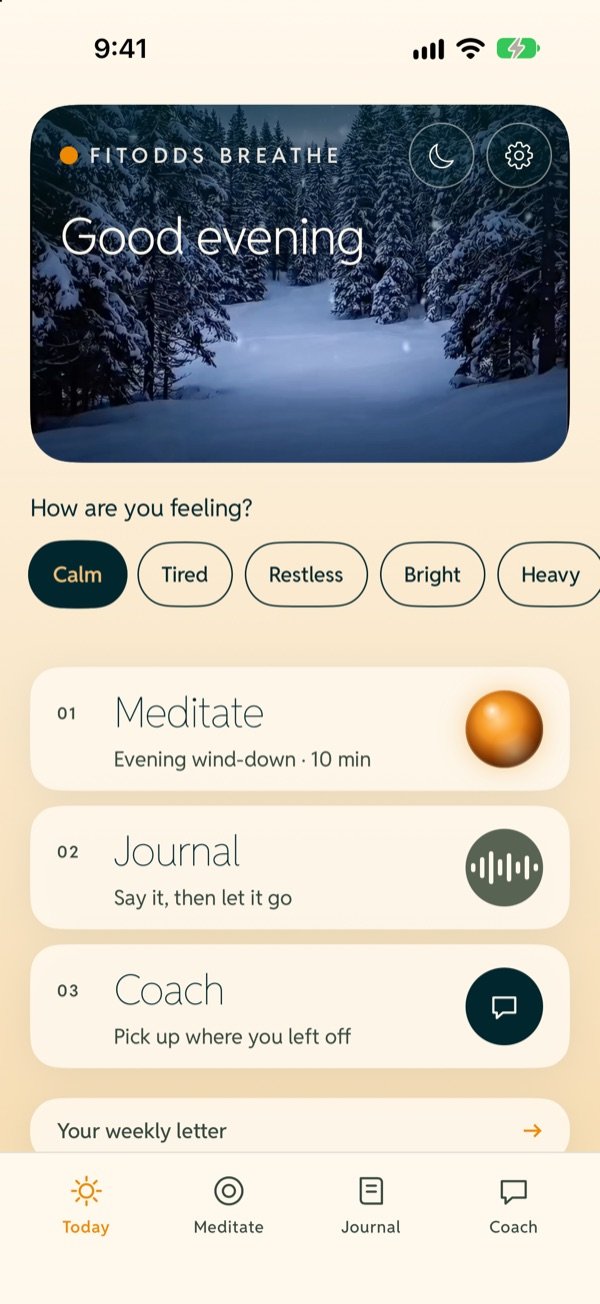
- 07:00
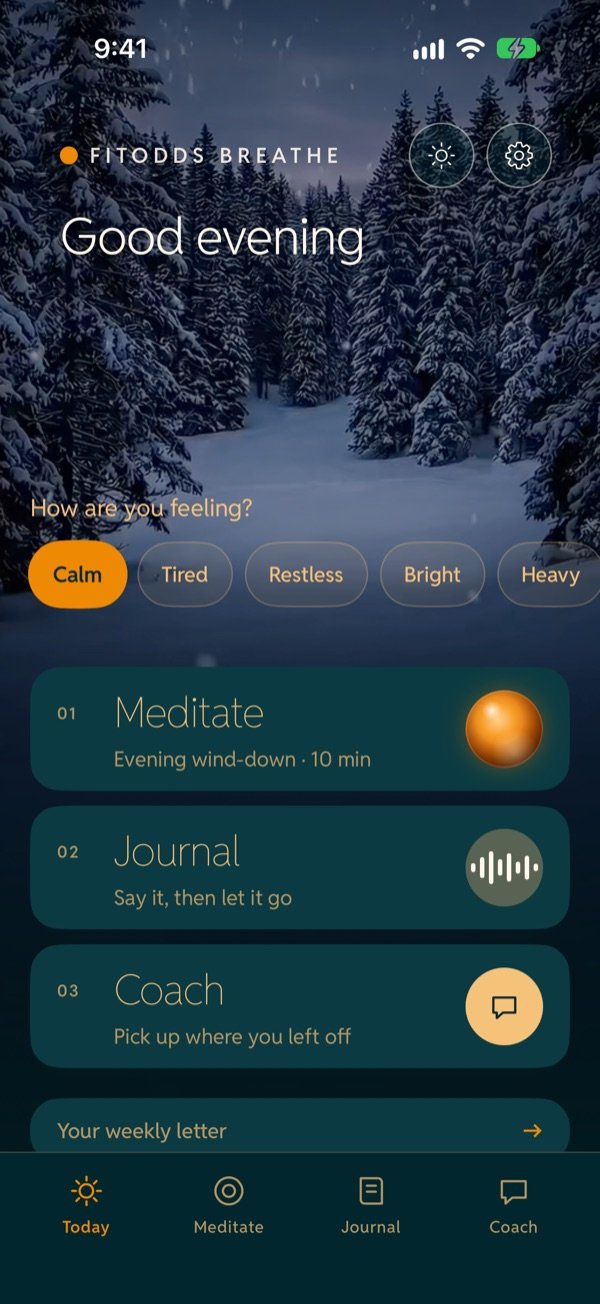
“How are you feeling?” Tap a mood
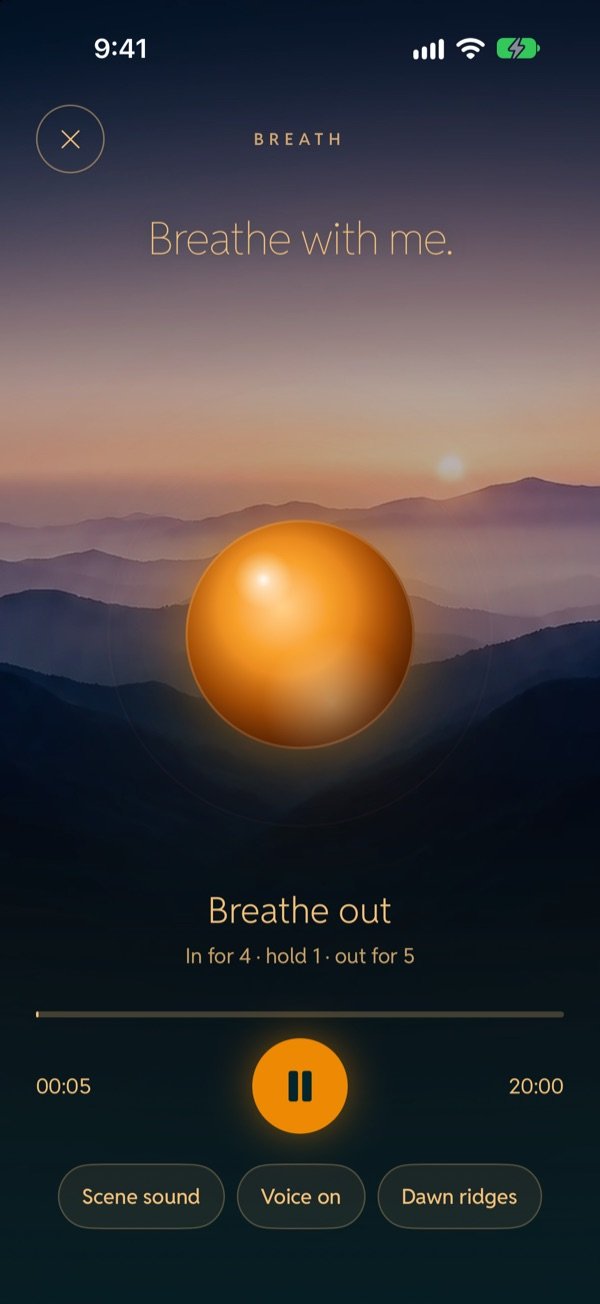
- 07:05
A Breath session
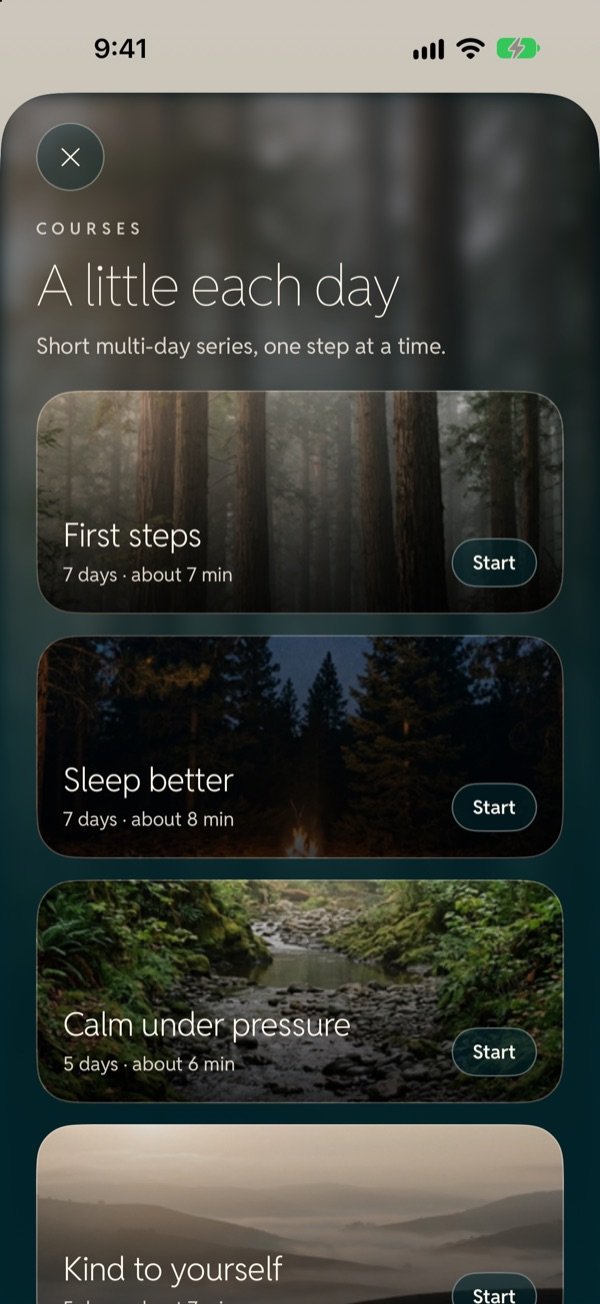
- 07:20
Day one of First steps
BREATHE — FitOdds Breathe, meditation for iPhone
iPhone · $1.99 once · No subscription
A calm place to slow down. Guided meditation with a glowing breathing orb, a private journal that looks like ruled paper, and a gentle mentor you can bring your own key to.
iPhone only
iOS 17 and later
No account, no ads, no tracking
Everything stays on your phone
$1.99, paid once
The mentor is optional
A calm place to slow down. Breathe with a glowing orb, close your eyes in a living scene, write a few lines at the end of the day. No account, no feed, no noise.
- 10living scenes to swipe between
- 29days of guided courses, in five short courses
- 4guided sessions, each in every length
Six ways it meets you
Everything is in the one-time $1.99. Everything except the mentor works fully offline, and the mentor is optional.
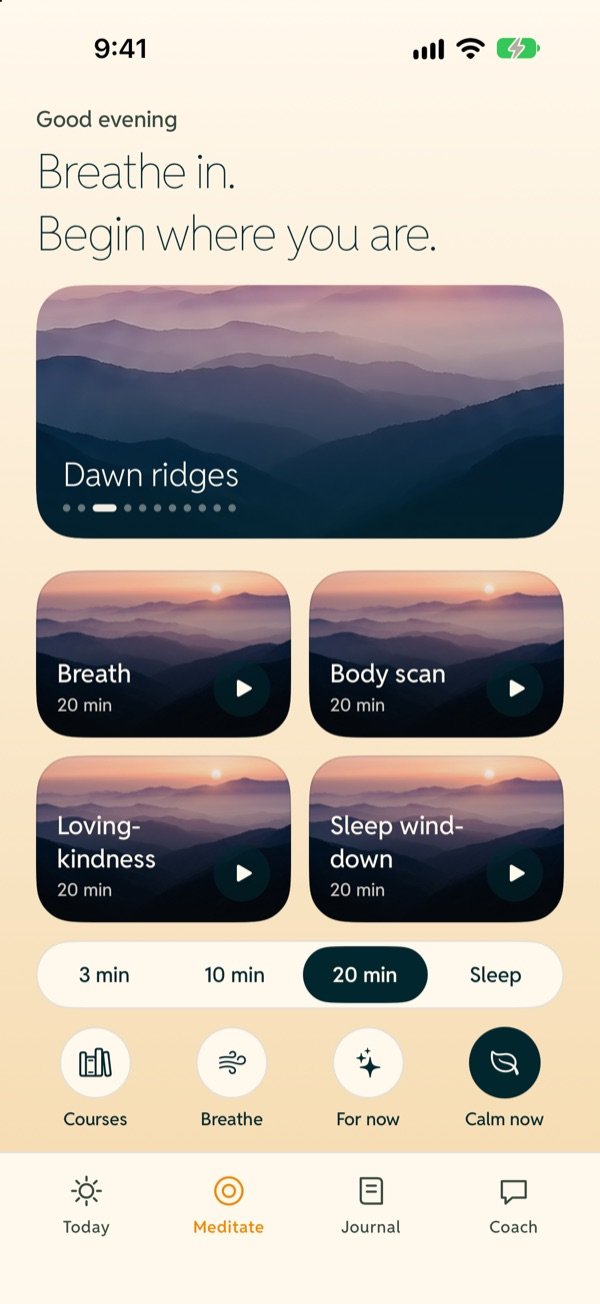
- 01 Guided sessions Four sessions: Breath, Body scan, Loving-kindness and Sleep wind-down. Each comes in 3, 10 or 20 minutes, plus a 40-minute Sleep length. A calm recorded voice (Lily) guides you while a glowing orb paces every breath, with haptic breath cues.
- 02 Living scenes Ten looping video backdrops you swipe between, with ten ambient sounds to go with them. If you turn it on, your mindful minutes are saved to Apple Health.
- 03 Short courses Five short guided courses, 29 days in total: First steps, Sleep better, Calm under pressure, Kind to yourself and Clear focus. Your progress is saved, and you can replay finished days.
- 04 Calm now & Breathe timer One tap to a grounding exercise when you need it. And a Breathe timer with seven patterns: 4-7-8, Box, Coherent, Long exhale, Calm, Sleep and Easy exhale.
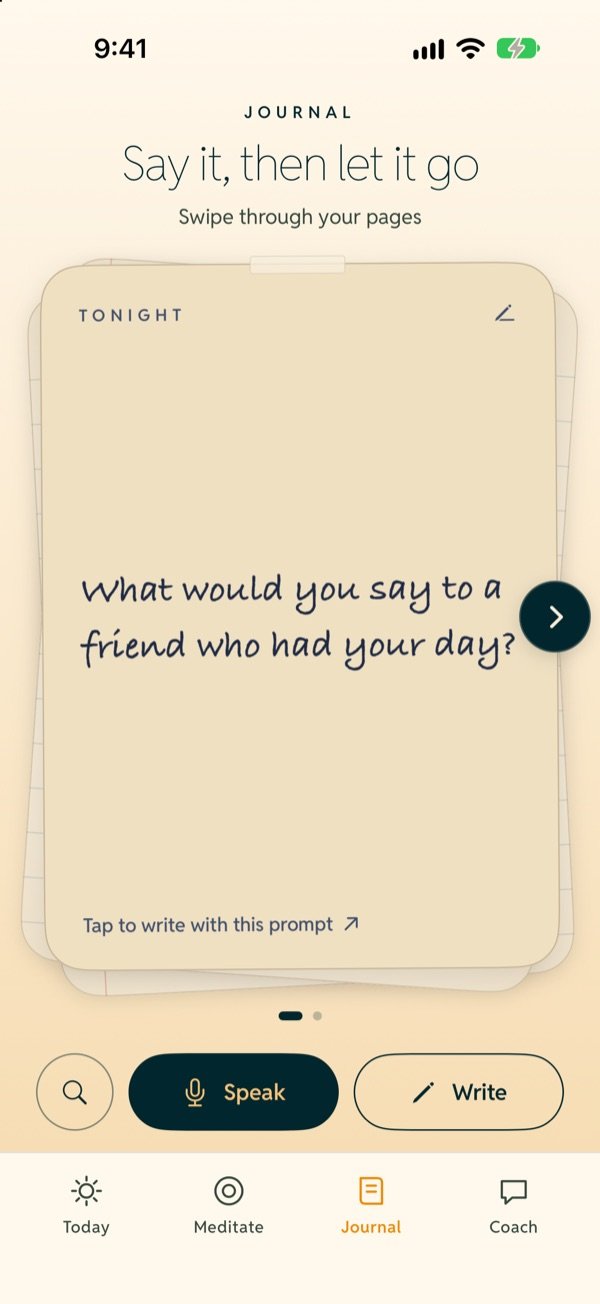
- 05 Private journal Write or speak entries into a diary that looks like ruled paper, and swipe through the pages like a deck. A nightly prompt card, search, and an optional Face ID lock. Audio is never saved.
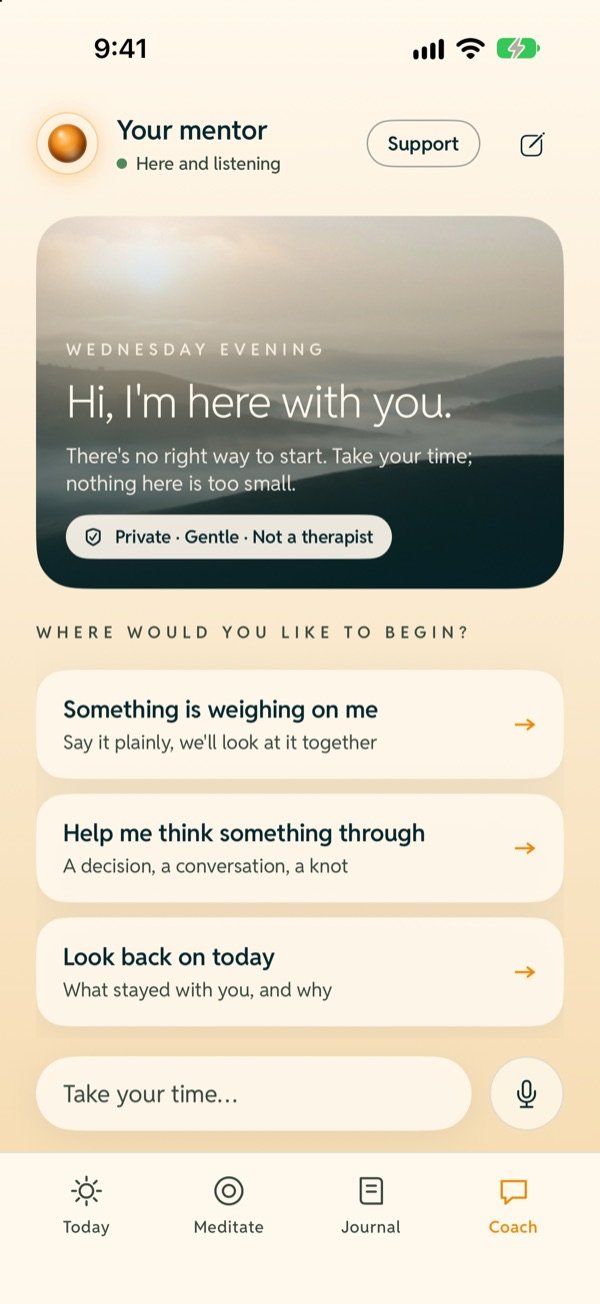
- 06 A gentle mentor An AI mentor powered by Anthropic’s Claude that listens first (it is not a therapist) and can suggest a session or a journal page. It is optional: bring your own Anthropic API key. A Support button with helplines is always there.
Ten living scenes
Looping video backgrounds you swipe between during a session, with ten ambient sounds to go with them. Light on the screen, calm in the room.
-

Morning fog
-

Dawn ridges
-

Ocean dusk
-

Desert night
-

Forest
-

Bonfire
-

Waterfall
-

Beach
-

Snow
-

River
A quiet room in your pocket
No account, no ads, no analytics, no tracking. Your journal, moods and sessions are stored on your phone. Data leaves it only when you use an AI feature with your own key, and then it goes directly from your phone to Anthropic.
- On your phone
- Journal, moods and progress stay in the app’s on-device storage
- Your key
- Stored only in your iPhone’s Keychain
- Voice
- Transcribed on the phone where supported; audio is never saved
A day with Breathe
- 13:50
Box breathing before a meeting
- 15:30
Calm now after a hard moment
- 17:00
Ask the mentor what is on your mind
- 19:30
Today’s course day: Calm under pressure
- 21:00
Write or speak a journal page
- 22:30
Sleep wind-down
- 22:31
Lock the screen
One price
$1.99, once, on the App Store. No subscription, no in-app purchases, no ads and no account.
-
FitOdds Breathe
Everything is included. The only optional extra is the mentor, which uses your own Anthropic API key.
- 4 guided sessions in 3, 10, 20 and 40-minute (Sleep) lengths
- 10 living scenes and 10 ambient sounds
- 5 short courses, 29 days in total
- Breathe timer and Calm now
- Private journal with optional Face ID lock
- Light and dark themes, iPhone with iOS 17 or later
$1.99
Once
About the mentor: it is powered by Anthropic’s Claude and needs your own Anthropic API key (Settings → Coach). You pay Anthropic directly for what you use, and the key stays in your iPhone’s Keychain. Without a key, the rest of the app works fully offline.
Inside the app
Your first breath, for $1.99
Paid once. No subscription, no ads, no account. Not a medical device and not a substitute for professional care.
Before you ask
Is it a subscription?
No. FitOdds Breathe is $1.99, paid once on the App Store. There is no subscription, no in-app purchase, no ads and no account.
What does the mentor cost, and why my own key?
The mentor is optional and is powered by Anthropic’s Claude. You paste your own Anthropic API key into Settings, and you pay Anthropic directly for what you use. That is how the app stays a one-time $1.99 with no servers of ours in the middle: the key is stored only in your iPhone’s Keychain, and requests go straight from your phone to Anthropic.
Does it work offline?
Yes. Guided sessions, courses, scenes, sounds, the Breathe timer, Calm now and the journal all work without a connection. Only the optional AI features (the mentor, Reflect, your weekly letter and “A session for right now”) need internet and your key.
What leaves my phone?
Nothing, unless you use an AI feature with your own key. Then the relevant text goes directly from your phone to Anthropic’s API. There is no account, no analytics and no tracking. The privacy page lists exactly what is sent for each feature.
Is this therapy?
No. FitOdds Breathe is not a medical device and not a substitute for professional care. The mentor listens first and is not a therapist. If you are in crisis, contact your local emergency services or a crisis line: findahelpline.com.
Is my voice recorded?
No. If you speak a journal entry, speech is transcribed on the phone where your iPhone supports it, and the audio is never saved. Only the transcript is kept.
Does it have light and dark themes?
Yes. There is a light and a dark theme, and a button on Today to switch.
Support
- kamatbot@gmail.com
- Privacy
- Privacy policy
- Refunds
- Handled by Apple at reportaproblem.apple.com
If you are in crisis
FitOdds Breathe is not a medical device or a substitute for professional care. Contact your local emergency services or a crisis line.
findahelpline.com